
Wordpress Tips
Tự động lưu ảnh lên host trong bài viết wordpress không dùng plugin
Nếu bạn thường xuyên post bài bằng wordpress sẽ thấy việc download hình ảnh từ trang web nào đó, rồi upload lên wordpress, chèn vào bài viết tốn kém thời gian đến mức nào.
Tại sao không lấy luôn hình ảnh từ website khác chèn vào web mình?
- Vì như vậy hình ảnh sẽ phụ thuộc vào host của người khác, nếu host của họ có vấn đề, hình ảnh trên web của bạn cũng “tèo” luôn
- Ảnh hưởng SEO, cái này nếu bạn quan tâm về SEO hình ảnh sẽ thấy vô tình đã cho người khác 1 backlink
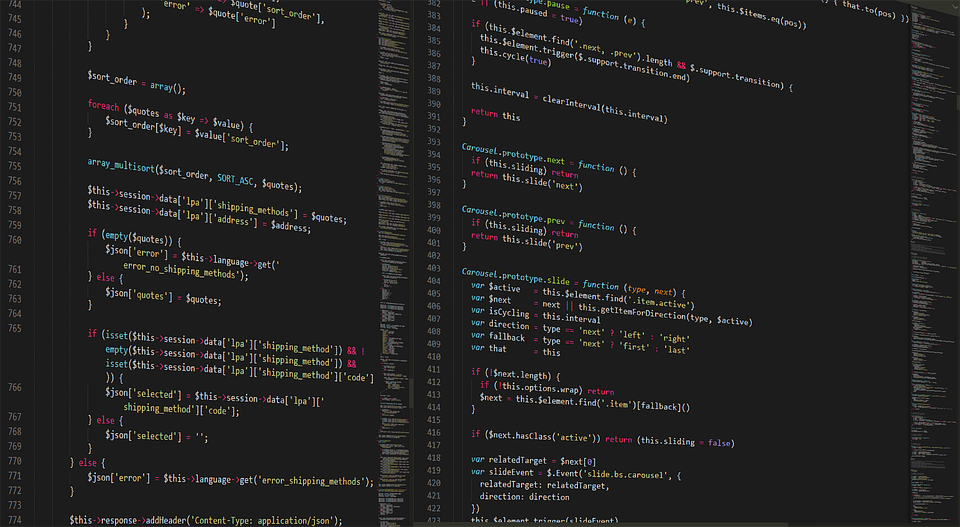
Vậy để giảm bớt công đoạn thì làm cách nào, đơn giản copy đoạn code này vào function.php của theme và thử copy 1 ảnh của web khác và publish bài viết thôi, việc còn lại để wordpress lo.
Mình không khuyến khích các bạn sử dụng plugin vì có thể dẫn đến chậm website, cái nào chèn code được thì mình chèn nhé.
class Auto_Save_Images{ function __construct(){ add_filter( ‘content_save_pre’,array($this,’post_save_images’) ); } function post_save_images( $content ){ if( ($_POST[‘save’] || $_POST[‘publish’] )){ set_time_limit(240); global $post; $post_id=$post->ID; $preg=preg_match_all(‘/<img.*?src=”(.*?)”/’,stripslashes($content),$matches); if($preg){ foreach($matches[1] as $image_url){ if(empty($image_url)) continue; $pos=strpos($image_url,$_SERVER[‘HTTP_HOST’]); if($pos===false){ $res=$this->save_images($image_url,$post_id); $replace=$res[‘url’]; $content=str_replace($image_url,$replace,$content); } } } } remove_filter( ‘content_save_pre’, array( $this, ‘post_save_images’ ) ); return $content; } function save_images($image_url,$post_id){ $file=file_get_contents($image_url); $post = get_post($post_id); $posttitle = $post->post_title; $postname = sanitize_title($posttitle); $im_name = “$postname-$post_id.jpg”; $res=wp_upload_bits($im_name,”,$file); $this->insert_attachment($res[‘file’],$post_id); return $res; } function insert_attachment($file,$id){ $dirs=wp_upload_dir(); $filetype=wp_check_filetype($file); $attachment=array(‘guid’=>$dirs[‘baseurl’].’/’._wp_relative_upload_path($file),’post_mime_type’=>$filetype[‘type’],’post_title’=>preg_replace(‘/.[^.]+$/’,”,basename($file)),’post_content’=>”,’post_status’=>’inherit’ ); $attach_id=wp_insert_attachment($attachment,$file,$id); $attach_data=wp_generate_attachment_metadata($attach_id,$file); wp_update_attachment_metadata($attach_id,$attach_data); return $attach_id; } } new Auto_Save_Images(); add_filter(‘use_block_editor_for_post’, ‘__return_false’);
Sản Phẩm Vừa Mới Cập Nhật








Xem thêm bài viết liên quan:
- [Share PSD] Mẫu Áo Tốt Nghiệp Mầm Non Để Ghép Ảnh (PSD) (Update 2025)
- [Share presets] Bộ Lake and Forest LR Presets Vol. IV trị giá 89,00 €
- [VShare Preset] 10 Tone Màu Tươi Sáng Mềm Mại Dành Cho Ảnh Trẻ Sơ Sinh (XMP/DNG/CUBE)
- [VShare Preset] Tone Màu Trong Trẻo Phong Cách Nhật Bản Áp Dụng Ảnh Mùa Hè (XMP/LR/DNG)
- [VShare Preset] Bộ Preset Ảnh Cưới Tone Màu Film Tư Liệu Đến Từ NAG Along (XMP/CUBE/COS)
Bài viết cùng chủ đề:
-

[VShare Preset] No Filter Lightroom Presets – Bộ Màu Tự Nhiên Cho Ảnh Chân Dung & Cưới (XMP/DNG)
-

[VShare Preset] Tone Màu Ấm Áp Quyến Rũ – Đậm Chất Sexy Cho Ảnh Indoor (XMP)
-
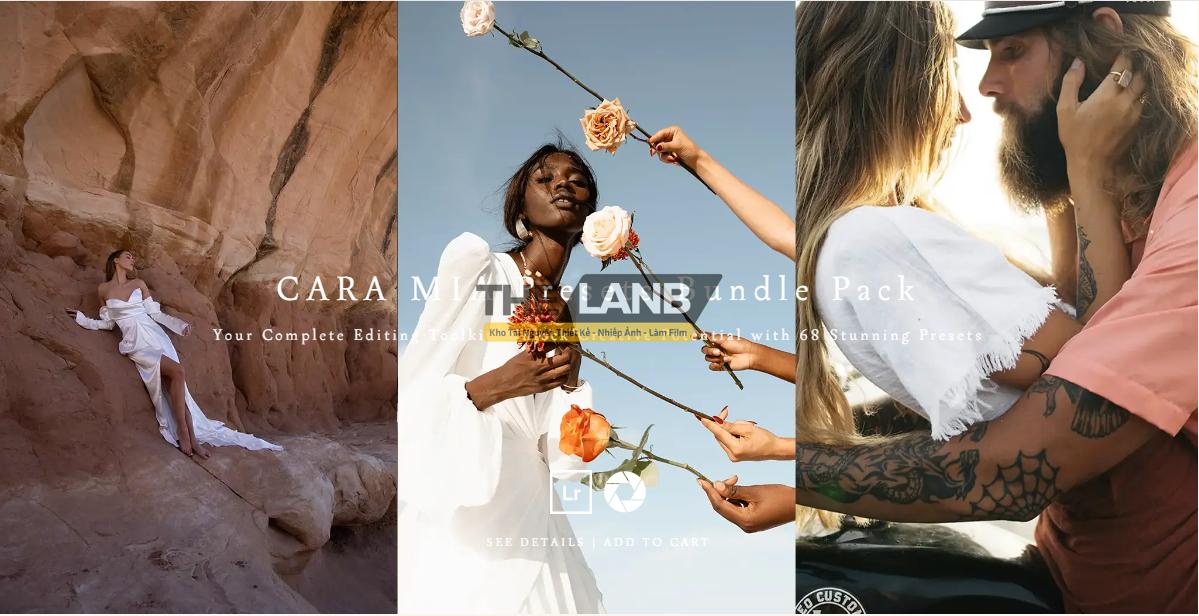
[VShare Preset] Cara Mia Presets Bundle: Bộ Công Cụ Toàn Diện Cho Mọi Nhiếp Ảnh Gia (XMP) (Update 2025)
-
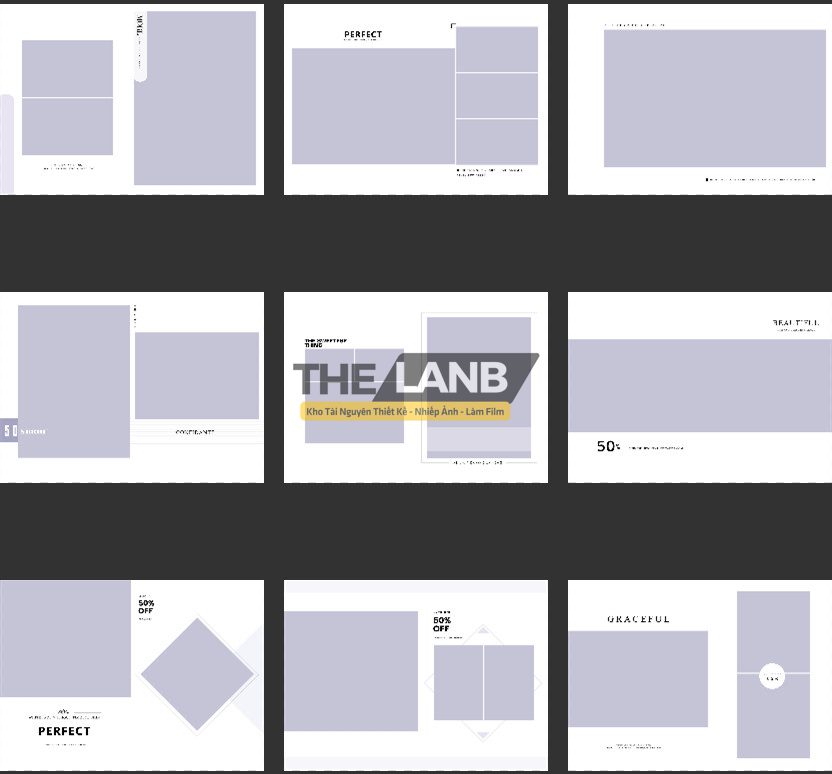
[VShare PSD] 20 Mẫu Layout Album Cho Ảnh Thời Trang, Tốt Nghiệp Mới Nhất 2024
-
[VShare Preset] The Film Emulation Collection – Bộ Preset Giả Lập Nhiều Tone Màu Film Hấp Dẫn (XMP) (Update 2025)
-
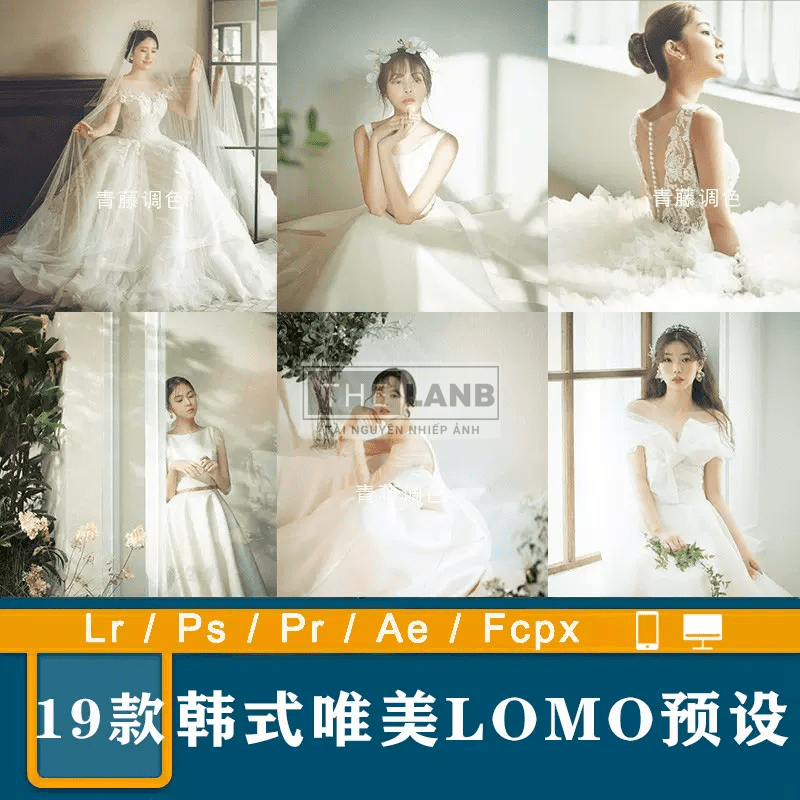
[VShare Preset] 19 Tone Màu Mơ Màng LOMO Phong Cách Hàn Quốc Cho Ảnh Cưới (XMP/DNG/CUBE)
-
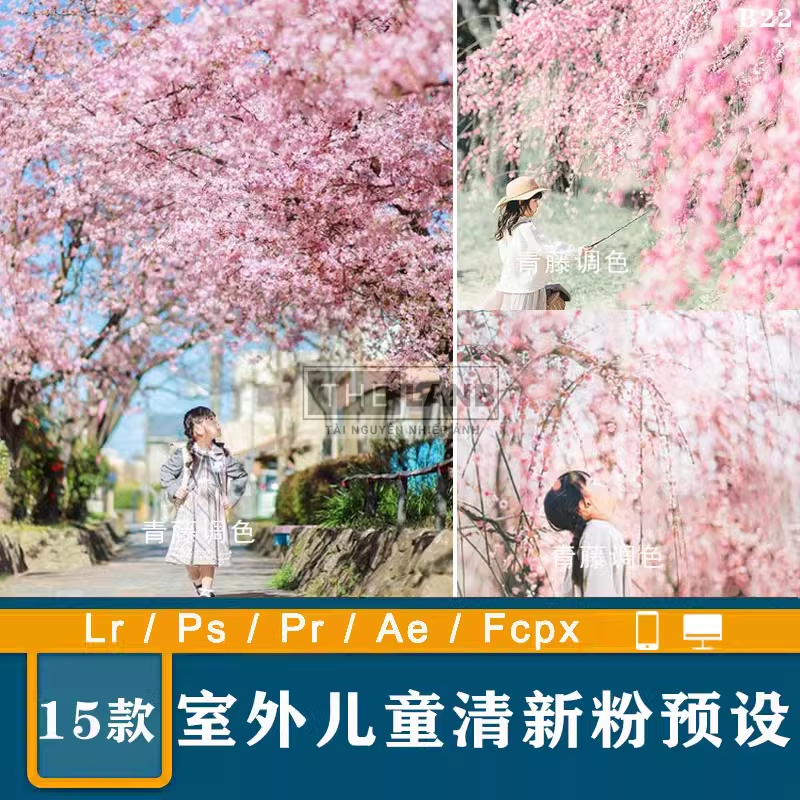
[VShare Preset] 15 Tone Màu Mùa Xuân Chụp Với Hoa Anh Đào, Tone Màu Trong Trẻo (XMP/DNG/CUBE)
-
[VShare Preset] 32 Tone Màu Cổ Điển China Thích Hợp Ảnh Chân Dung Ngoại Cảnh (XMP/LUTs)
-
[Share Preset] 01 Preset Sử Dụng Cho Ảnh Du Lịch Đến Từ NAG Benn TK (Update 2025)
-
[Share Preset] Tone Màu Film Sạch Và Cảm Xúc – Thích Hợp Ảnh Tĩnh Vật (Lrtemplate/DNG) (Update 2025)
-
[Hướng Dẫn] Hiển thị thông tin liên kết website trên facebook khi share link
-
Đánh Giá Hawk Host – Host giá rẻ tốc độ nhanh tại Việt Nam
-
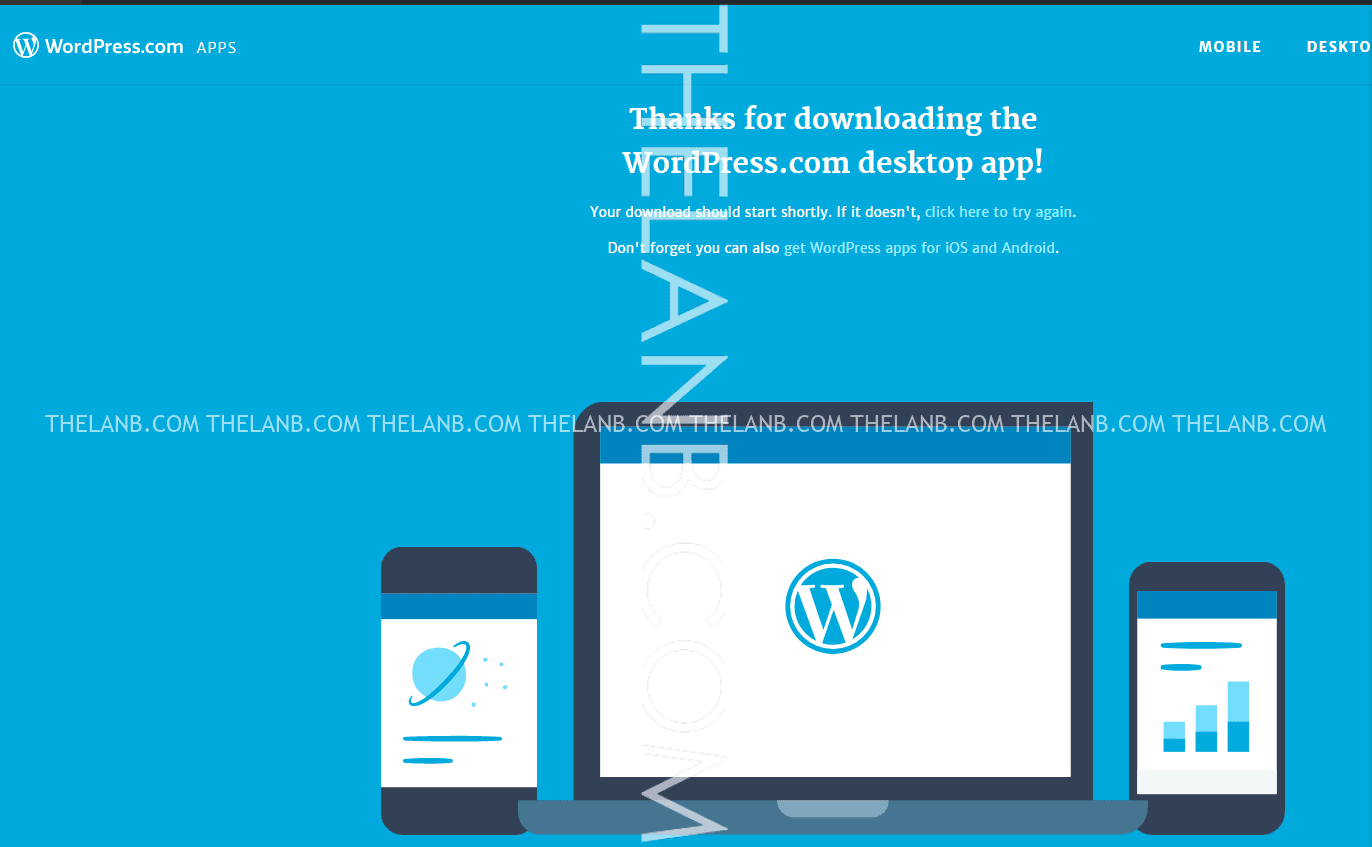
Quản Lý WordPress bằng App cho windows, iOS và Android
-
Tối ưu tốc độ hosting shared bằng Memcached + LiteSpeed Cache
-
Hướng dẫn xử lý website bị nhiễm mã độc, chèn kết quả tìm kiếm chữ nhật bản, trung quốc…..
-
Tổng Hợp Tips, Trick và Hack WordPress mà mọi blogger chuyên nghiệp cần biết (Update [thoigian])